DNS پویا
با DDNS، همیشه از طریق یک آدرس ثابت به دستگاهها، سرورها و سرویسهای خود دسترسی داشته باشید؛ حتی زمانی که IP شما تغییر میکند.
resolve
Hostname
myhome.directip.ir
Resolved IP
203.0.113.42
Synced
در سه قدم راهاندازی کنید
- 01
نصب
برنامه دسکتاپ را روی ویندوز، مک یا لینوکس نصب کنید، یا روی سرور از CLI استفاده کنید. روتر و NAS هم میتوانند بدون نصب نرمافزار، IP را از طریق API بهروز کنند.
- 02
اتصال
در داشبورد یک subdomain بسازید، توکن API را بردارید و دستگاه را به حساب وصل کنید. از این به بعد هر بار IP عوض شود، DNS خودکار بهروز میشود.
- 03
استفاده
ریموت دسکتاپ، VPN، دوربین یا سرویس خودمیزبانی را به همان آدرس ثابت وصل کنید — دیگر لازم نیست نگران تغییر IP توسط ISP باشید.
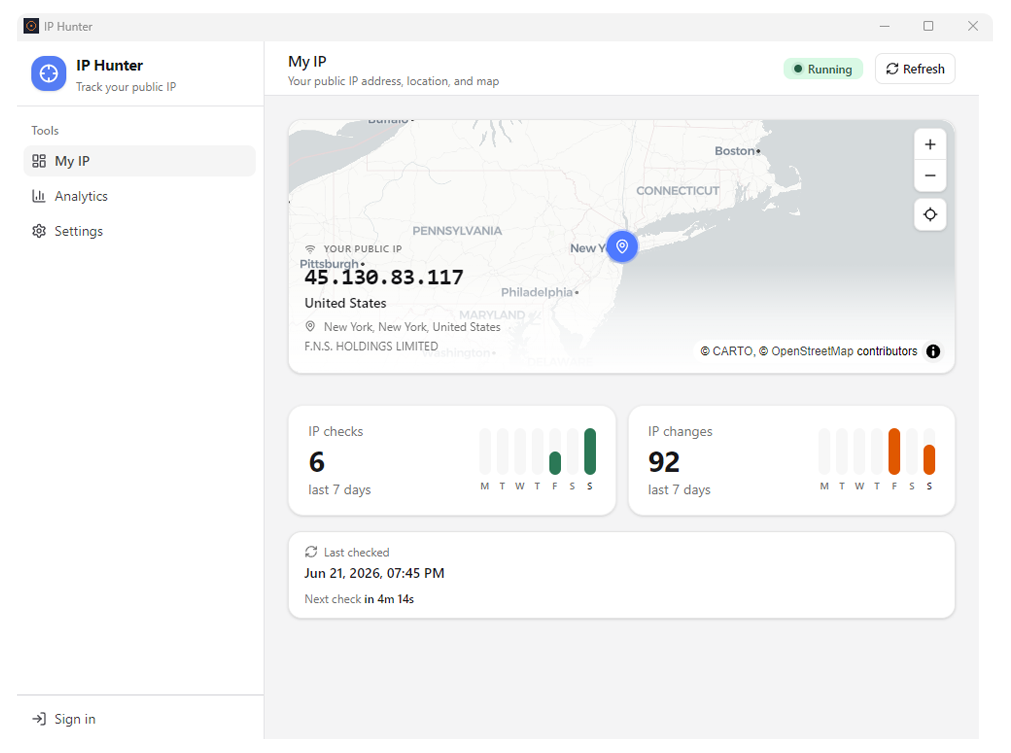
HTTP API
IP فعلی را بهصورت JSON بخوانید، یا از روتر و NAS با endpoint سازگار با DuckDNS بهروزرسانی کنید. توکن hostname (iph_…) نقش رمز امنیتی دارد.
GET /resolve/myhome
{
  "hostname": "myhome.directip.ir",
  "ip": "203.0.113.42",
  "updatedAt": "2026-06-21T14:32:08Z"
}
GET /api/update?token=iph_…&ip=203.0.113.42
OK
https://api.iphunter.ir/api/update/iph_…
پاسخها: OK · nochg · KO · badip · https://api.iphunter.ir
رایگان شروع کنید
حساب بسازید و اولین دستگاه را وصل کنید.